
SmartMacros: Macro Recorder & Browser Automation
Macro recorder and web automation: record clicks and typing, replay with CSV data, self-repair when sites change. Free, no account.
v0.4.0
Productivity > Workflow & Planning
English
updated 2026-10-16
Screenshots
 01_hero.png 1280x800
 02_record.png 1280x800
 03_self_repair.png 1280x800
 04_data_rows.png 1280x800
 05_privacy.png 1280x800
Description
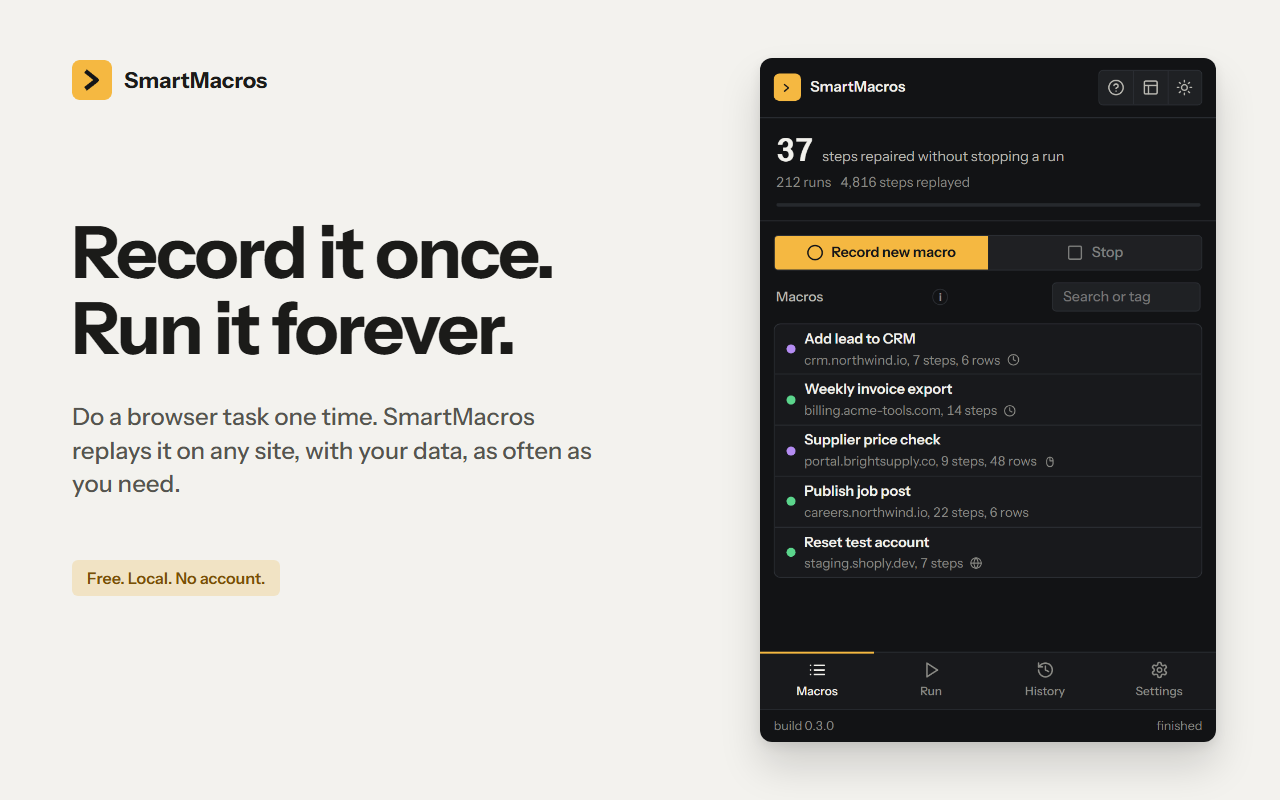
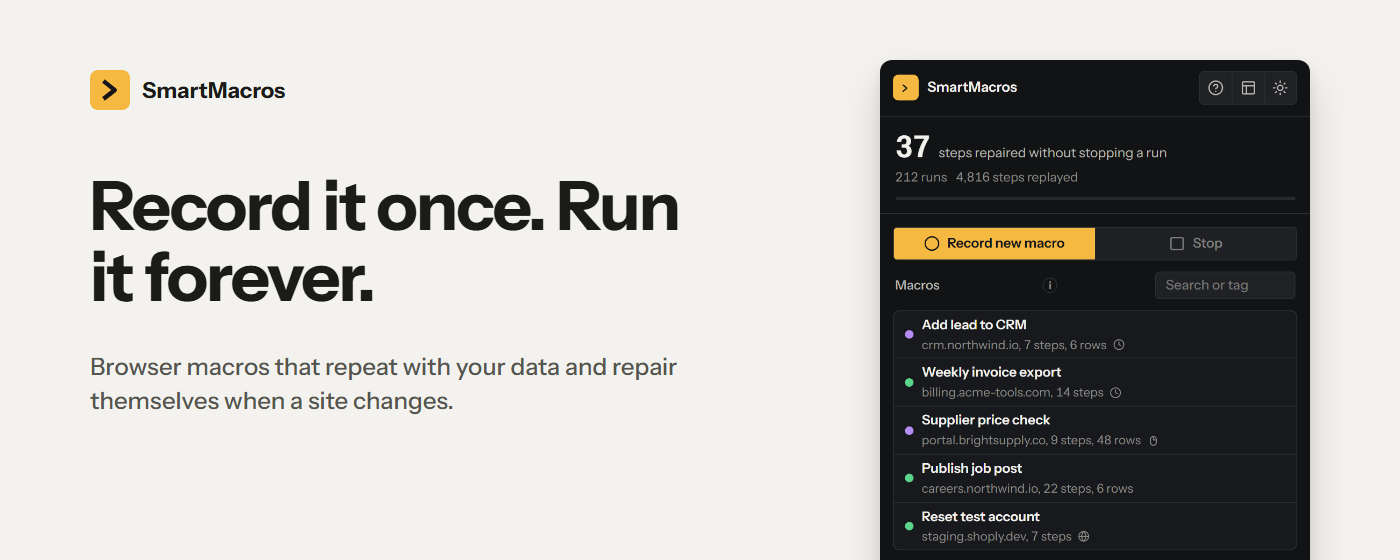
SmartMacros records what you do in the browser and replays it for you.
RECORD ONCE
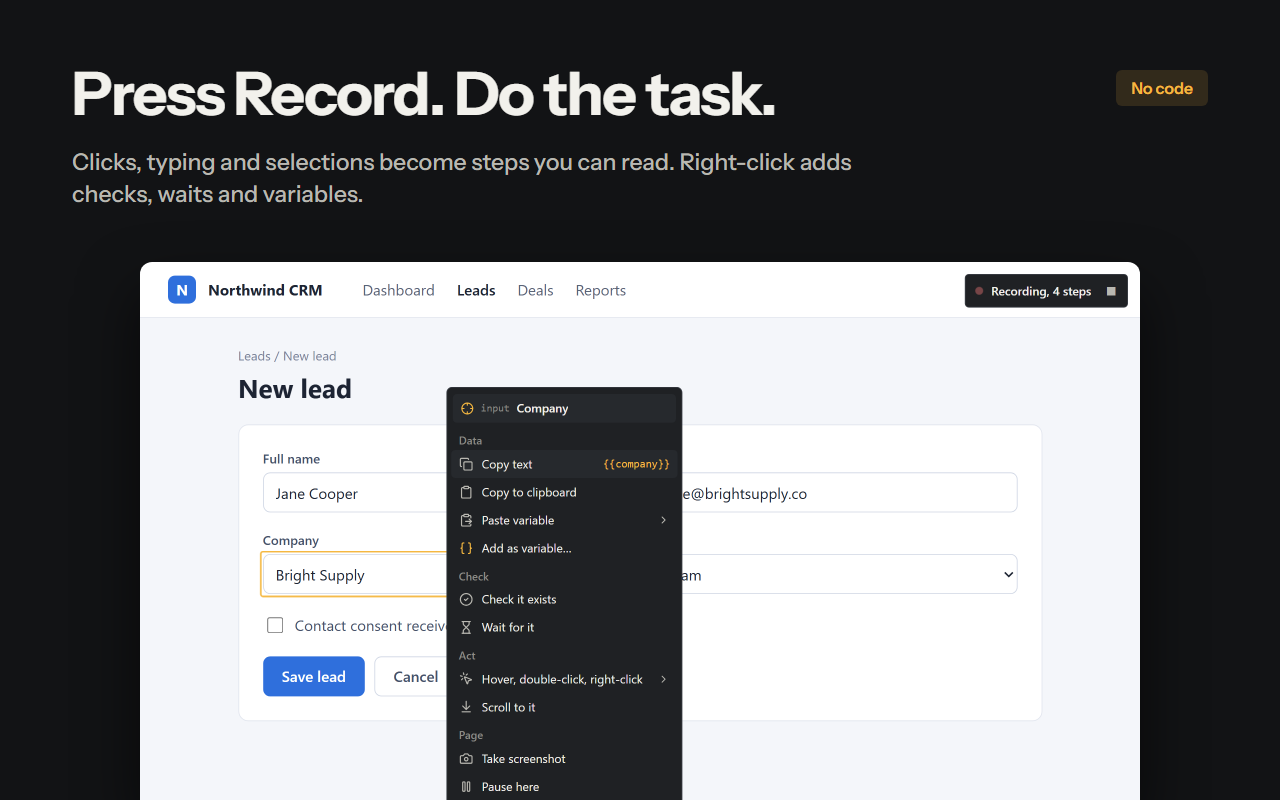
- Press Record in the side panel and do the task the way you always do. Clicks, typing, selections, ticks and page changes become steps written as plain sentences.
- Right-click any element while recording to add a check, a wait, a copied value or a variable.
REPEAT WITH YOUR DATA
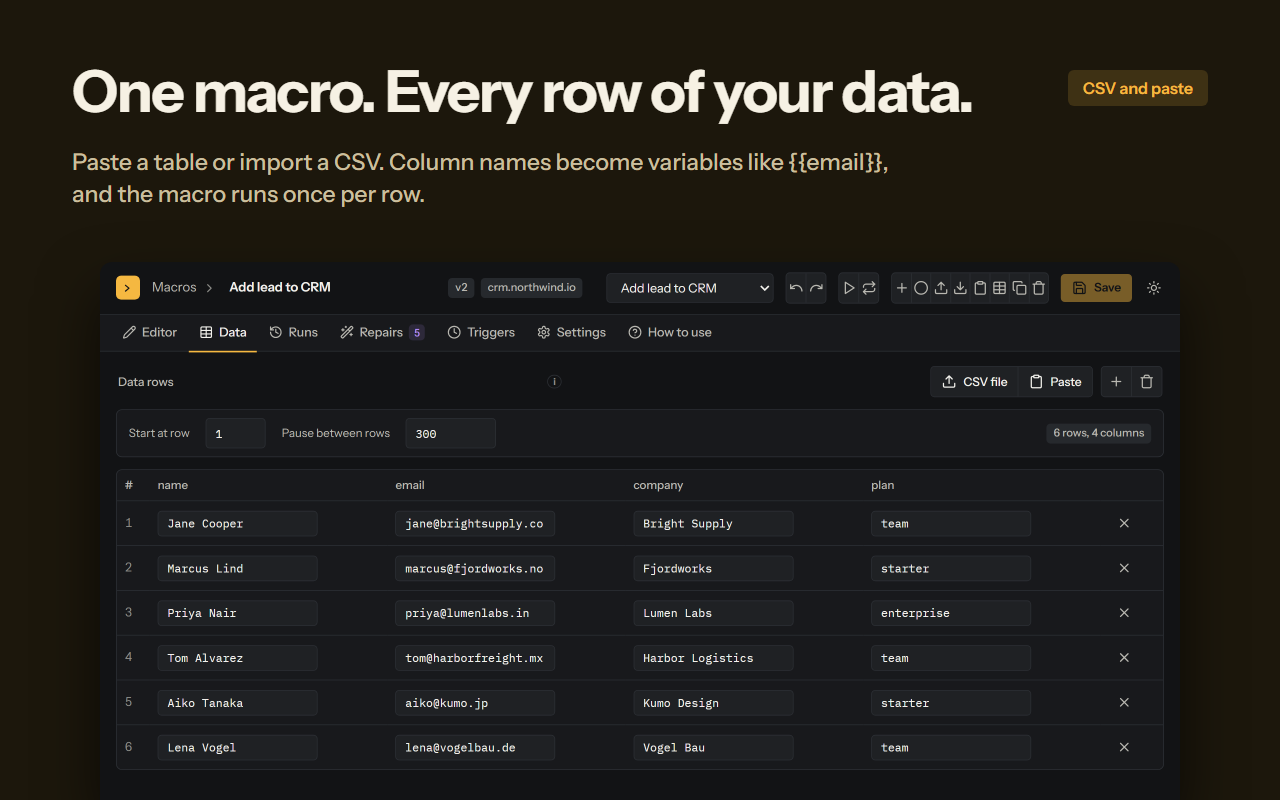
- Paste a table or import a CSV. Column names become variables such as {{email}}, and the macro runs once per row.
- Results are collected per row. Export them as CSV or copy the table. Re-run only the rows that failed.
KEEPS RUNNING WHEN THE SITE CHANGES
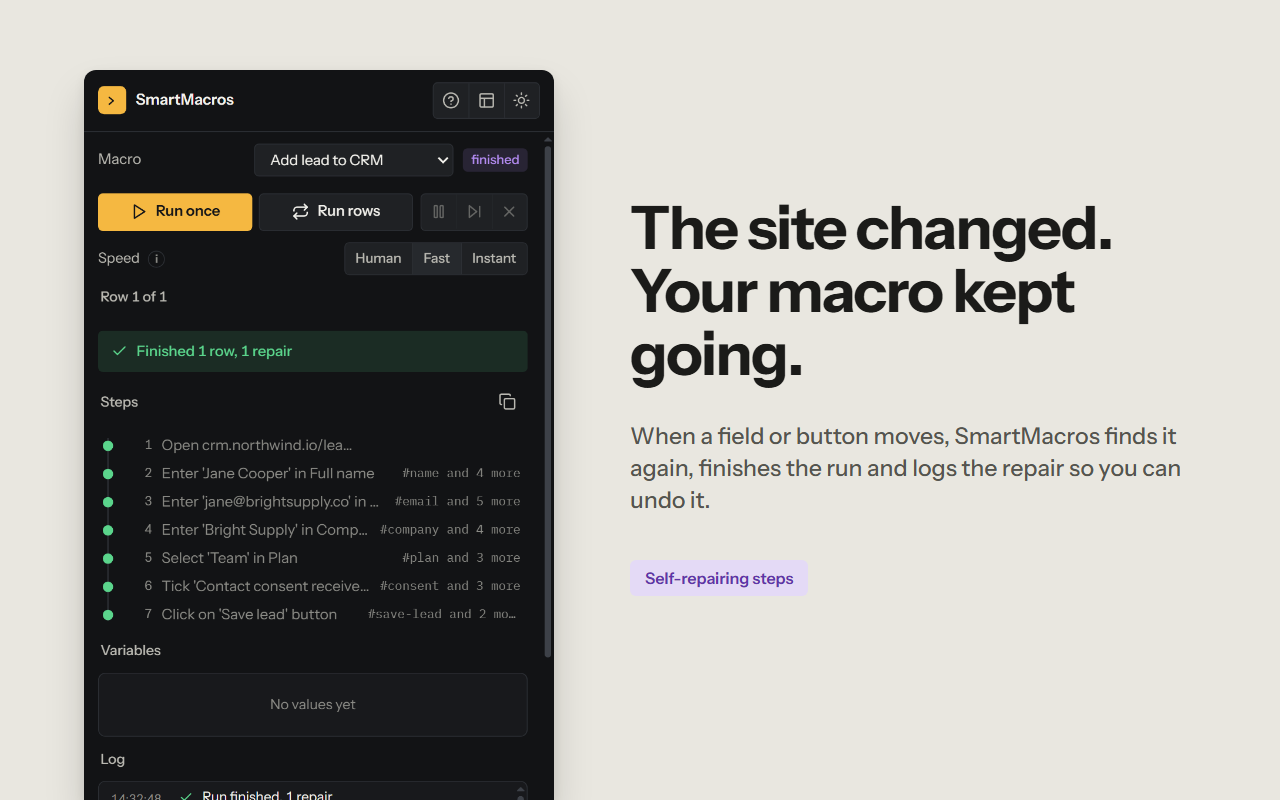
- Every step stores several ways to find its element. When a button or field moves, SmartMacros tries the other locators, then looks for the closest similar element, and only then asks you.
- Every repair is listed with the old and the new locator. One click reverts it. Steps named delete, pay or confirm always ask first.
- Optional AI repair with your own OpenRouter key. Off until you add a key.
START IT YOUR WAY
- Run buttons, a schedule, a keyboard shortcut, the right-click menu, or automatically when a matching page opens.
- Optional AI access: let Claude, Cursor or another MCP client on your computer write and run macros through the smartmacros-mcp bridge. Off by default, token-paired, local only.
MACRO STUDIO
- Full-tab editor: drag and drop steps, edit values and locators, data rows, run history, repairs, triggers.
- Imports iMacros .iim files and SmartMacros JSON.
PRIVACY
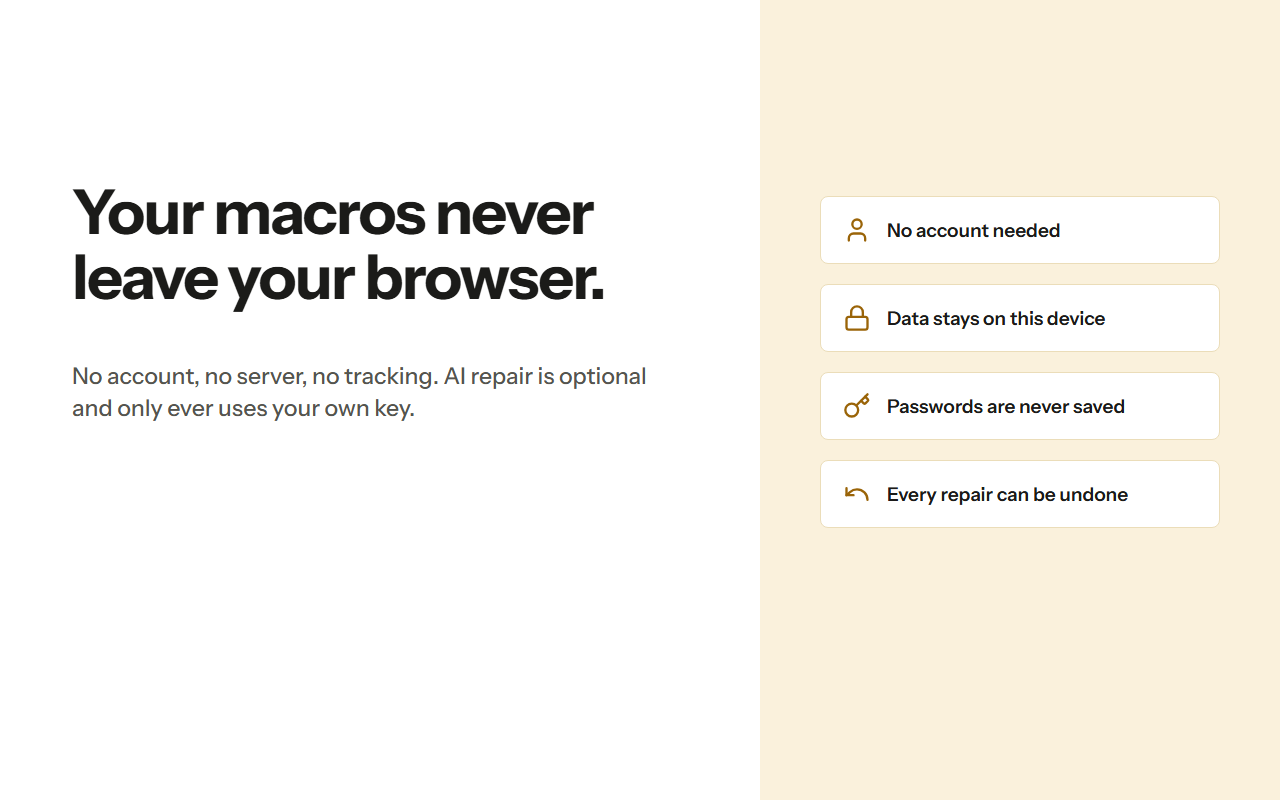
- Macros, data rows and results stay in this browser. No account, no developer server, no tracking.
- Passwords you type while recording are kept out of the saved macro.
- The AI is contacted only when you switch it on with your own key, and receives the failing step plus a redacted page excerpt.
Built for operations teams, QA testers, marketers and anyone who repeats the same clicks every week.
Permissions
| Permission | Justification |
|---|---|
| storage | Save macros, data rows, run history, the repair log and settings. |
| activeTab | Record or replay on the tab the user is viewing when they press Record or Run. |
| tabs | Find the tab to record or run in, follow steps that open a new tab, open Macro Studio and the welcome tab. |
| scripting | Inject the recorder and the step executor into the page being recorded or replayed, including tabs that were open before install. |
| sidePanel | The main interface (record, run console, history, settings) is a side panel. |
| webNavigation | Detect page changes during recording and replay, and start macros that have a "when this page opens" trigger. |
| alarms | Scheduled macro runs. |
| contextMenus | Right-click entries to start or stop recording and to run macros that enabled the right-click trigger. |
| downloads | missing |
| unlimitedStorage | Macros with large data tables, run results and optional debug reports can exceed the default local storage quota. |
| <all_urls> | The user decides which sites to automate, so the recorder and executor must be able to run on any site the user picks. Nothing runs on a page until the user records or runs a macro there, or sets a trigger for it. |