
GramDesk: Instagram downloader, unfollow and followers audit
Download posts, reels, stories and highlights, see who does not follow back, unfollow safely, export comments. Local, no account.
v1.0.2
Social & Communication
English
updated 2026-10-16
Screenshots
 01_hero.png 1280x800
 02_followers.png 1280x800
 03_unfollow.png 1280x800
 04_download.png 1280x800
 05_privacy.png 1280x800
Description
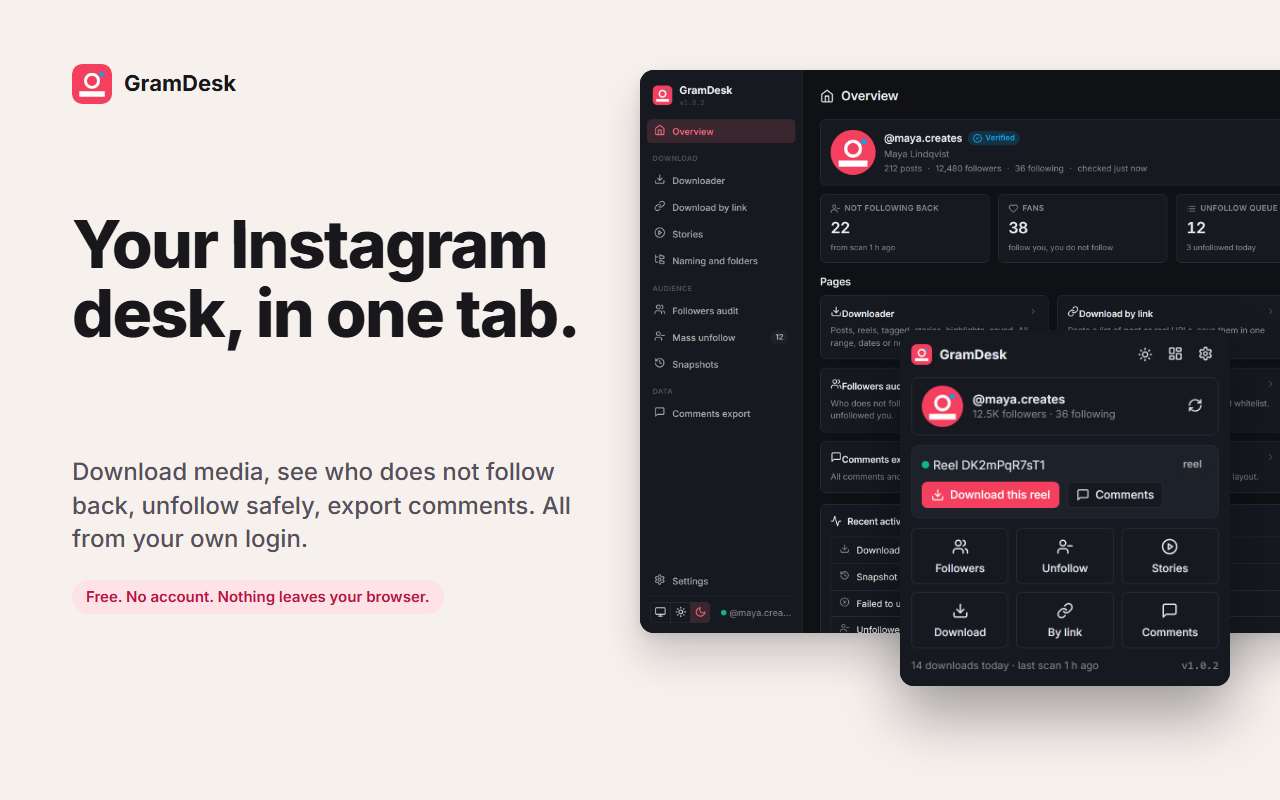
GramDesk is an Instagram desk for creators and personal accounts. It works with the instagram.com login already in your browser and keeps everything on your computer.
DOWNLOAD
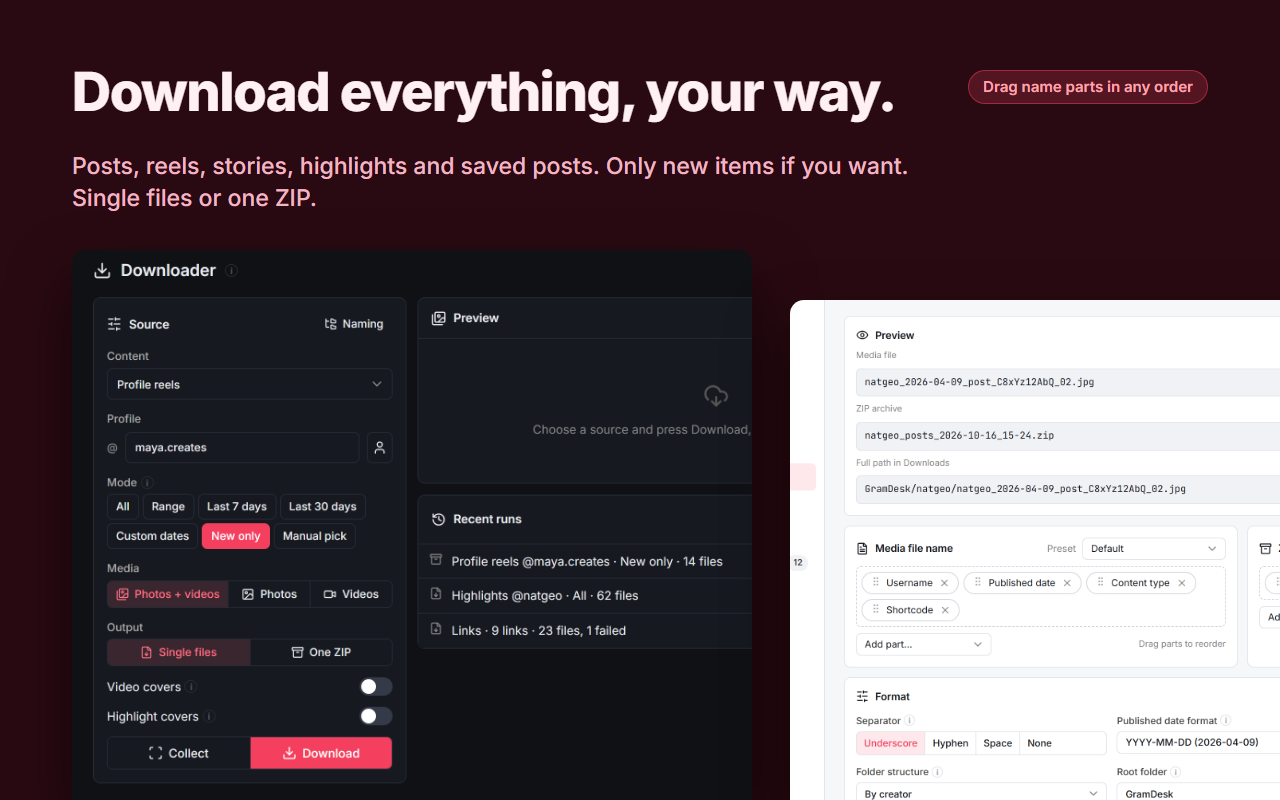
- Profile posts, reels, tagged posts, reposts, current stories, highlights, saved posts and saved collections.
- Modes: everything, a numbered range, the last 7 or 30 days, a custom date range, only what is new since your last run, or a manual pick from a preview grid.
- Photos only, videos only or both, with optional video and highlight covers.
- Save as single files straight into your Downloads folder or as one ZIP.
- File, ZIP and folder names are built from parts you order yourself: username, publish date, shortcode, caption, likes, views, location and more.
- Paste a list of post, reel or story links and save them in one go.
FOLLOWERS AUDIT
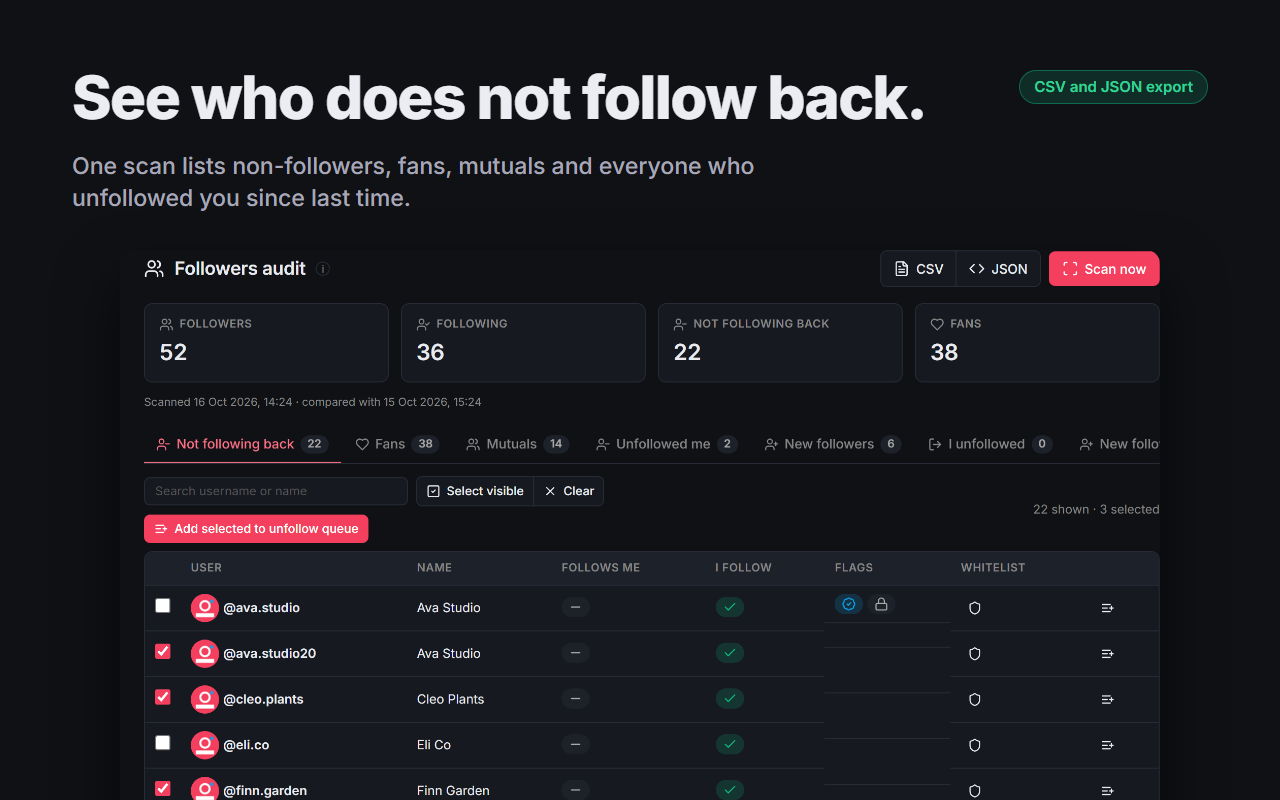
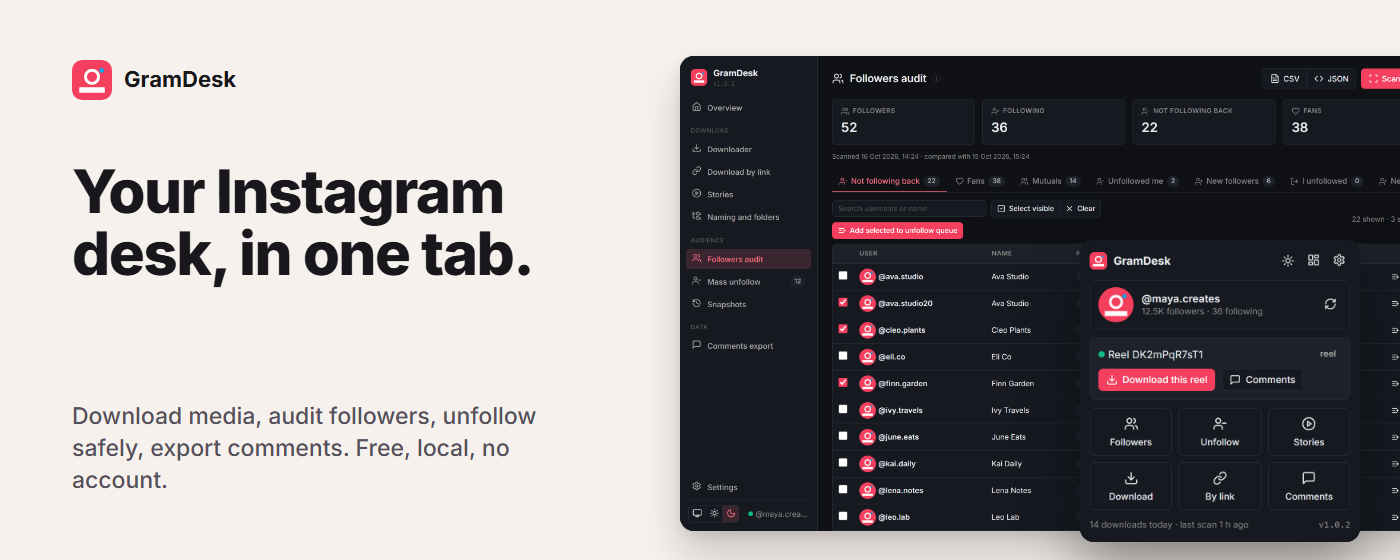
- Scan followers and following, then see who does not follow back, who you do not follow back, mutuals and verified accounts.
- Snapshots keep a history: compare any two to see who unfollowed you and who arrived. Optional automatic snapshot every few hours.
- Search, sort, select, export to CSV or JSON.
MASS UNFOLLOW
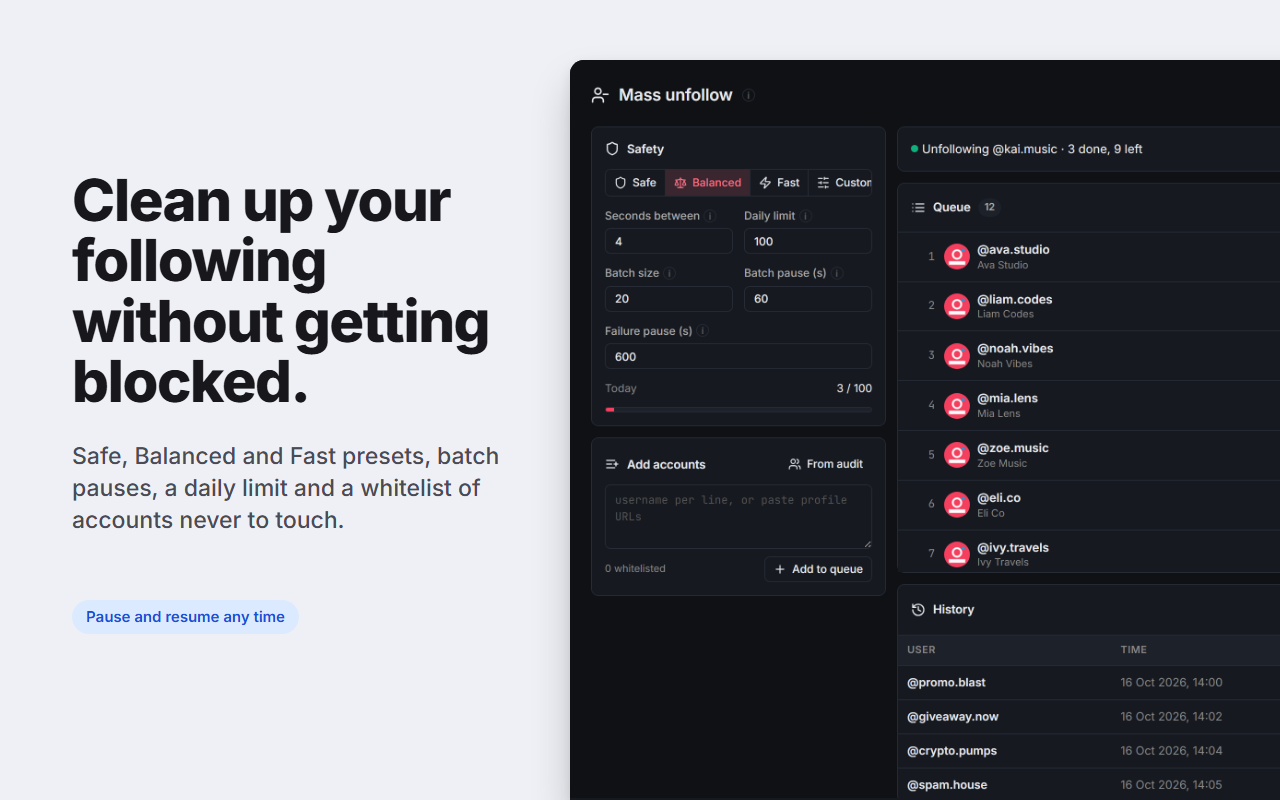
- Queue accounts from the audit or paste usernames.
- Safe, Balanced and Fast presets or your own timings, batch pauses, a pause after any refusal, a daily limit and a whitelist of accounts never to touch.
- Pause, resume and stop at any time, with a full history.
STORIES AND COMMENTS
- View stories and highlights as data, so no seen receipt is sent, and save one or all.
- Export every comment and reply of a post as CSV, JSON or a username list.
ON INSTAGRAM.COM
- A small floating button offers the matching action for the page you are on: download this post, download this story, download this profile, audit followers.
PRIVACY
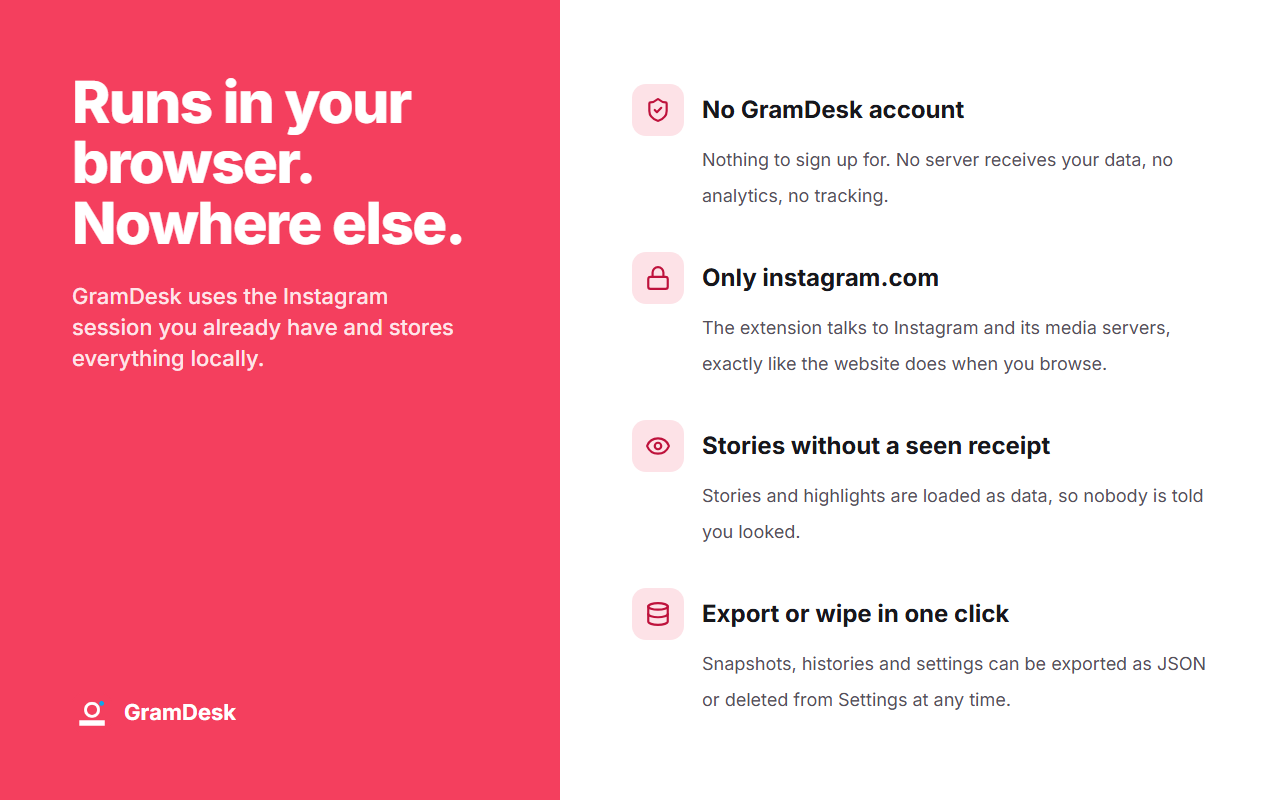
- No GramDesk account, no server, no analytics. The extension talks only to instagram.com and its media servers, using your own session. Full policy at the privacy policy link.
Unfollowing many accounts quickly can trigger Instagram action blocks. Keep the Safe or Balanced preset and stop when Instagram asks you to confirm anything.
Permissions
| Permission | Justification |
|---|---|
| storage | Save settings, naming rules, safety presets and the whitelist in Chrome sync; snapshots, queue, histories and download memory in local storage. |
| unlimitedStorage | Follower snapshots of large accounts and the download memory exceed the default local quota. |
| downloads | Save media files and ZIP archives into the user's Downloads folder with the names the user configured. |
| alarms | Optional automatic followers snapshot at the interval the user picks. |
| tabs | Open the dashboard, find the active Instagram tab for the popup context, re-inject the content script into open Instagram tabs after an update. |
| scripting | Re-inject the content script into already-open instagram.com tabs after install or update. |
| cookies | Read the Instagram CSRF token and user id cookies so requests to instagram.com are accepted for the logged-in user. |
| activeTab | Read the URL of the current tab when the popup opens to offer the matching action. |
| https://*.instagram.com/* | Call Instagram's own web endpoints with the user's session (followers, following, media, stories, comments, unfollow) and show the floating button on instagram.com pages. |
| https://*.cdninstagram.com/* | Fetch photo and video files when building a ZIP. |
| https://*.fbcdn.net/* | Fetch photo and video files when building a ZIP (Instagram's second media host). |